
What is a farm token?
A farm token is the part of an access key that tells apps how to reach your server farm. VpnHood! MANAGER builds it for you, so you rarely touch it.
What it holds
An access key has two parts. One is its own: an ID and a secret that say who is connecting. The other is the farm token, which says how to reach the farm, and every key of the farm carries the same one.
A farm token holds the farm's domain name and port, the addresses in its keys, its certificate's fingerprint, the locations of its servers, and its farm token URLs.
It is not an access key. It has no ID and secret of its own, so nobody can connect with it. Give your users access keys, never a farm token.
Who builds it
You never write a farm token. MANAGER builds it from the farm's servers and certificate, and builds a new one when they change, for example when a server's address changes.
If it cannot, the farm keeps its last working token and shows a red message: see A farm shows a red message.
How apps get a new token
A key holds the farm token the farm had when you copied the key, so after a change an app still has the old one. It catches up in one of two ways:
- While it can connect: with Push token to clients on, the app gets the current token as it connects.
- When it cannot connect: the app reads the token from a farm token URL and tries again, even when every address it knew is gone or blocked.
See it and download it
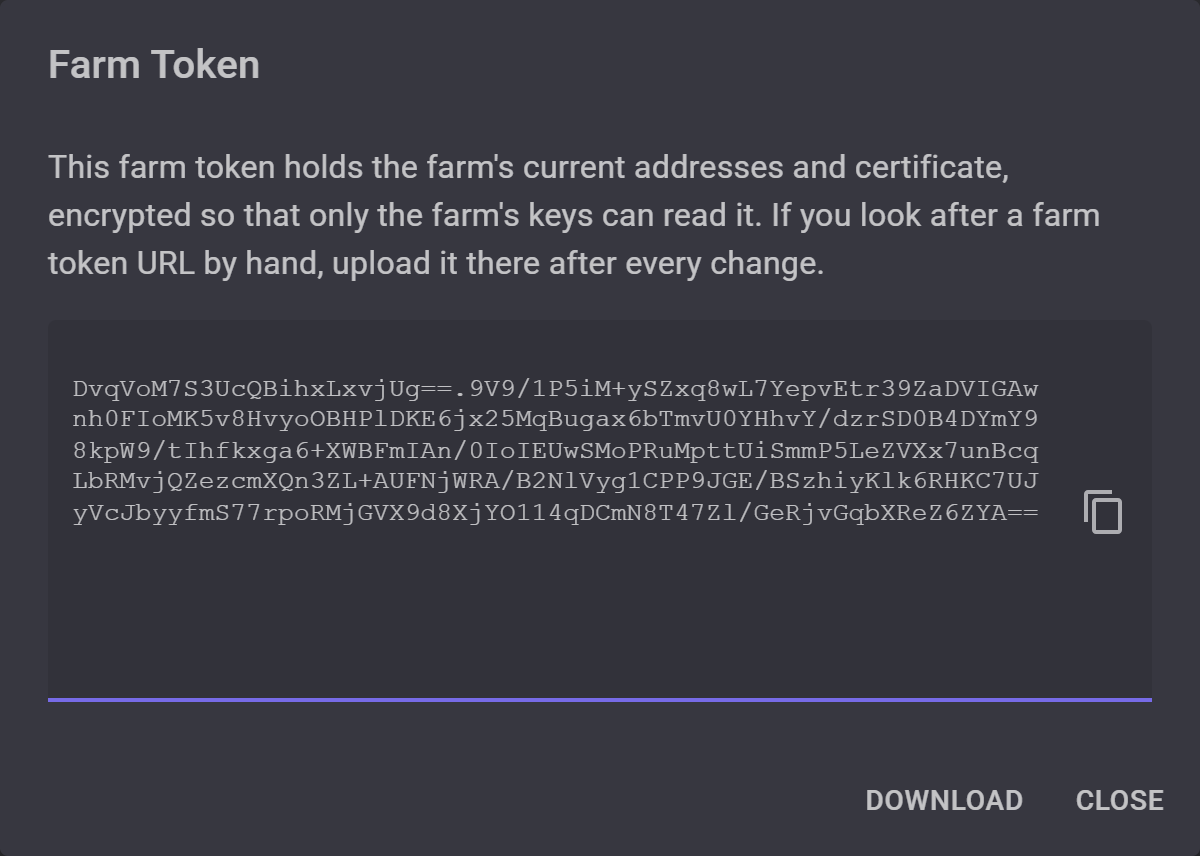
Open the farm's page and select Farm Token. The long text in the dialog is the token, encrypted so that only the farm's keys can read it, so it tells you nothing by itself. Download saves it as a file.
When you use it yourself
Most of the time you do not: MANAGER and the apps pass it along by themselves. You handle it by hand only for a farm token URL with Auto Upload set to Off, where you put the file on your site yourself, and again after every change.
What you do decide is whether the farm has farm token URLs. Add them if your servers' addresses may change or get blocked, and add them before you give out keys, as a key carries the URLs the farm had when you copied it.


