
VpnHood! SERVER: free, open-source VPN server software
The engine of your VPN. It runs on your own machine, carries your users' traffic, and answers to nobody's infrastructure but yours.
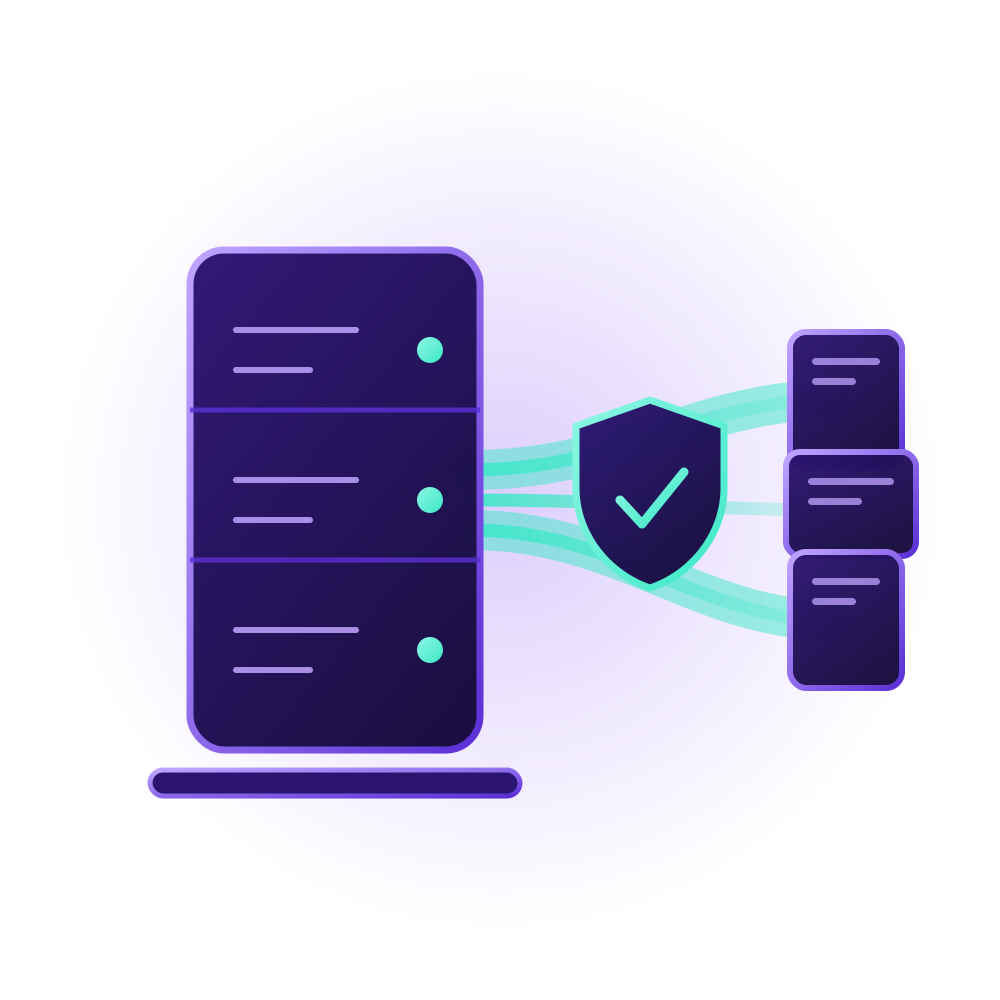
What you get
Why run VpnHood! SERVER
Runs anywhere you can rent
Linux (x64 or ARM64), Windows, or Docker: any VPS or dedicated machine from any provider, installed with a single pasted command. It listens on port 443 out of the box, with no network configuration.
Hard to spot, harder to block
With Cloak Mode, the tunnel is shaped to look like ordinary web traffic, and an unauthenticated probe gets a plain web-server response instead of anything worth testing. No network is guaranteed to let it through, but there is little to match against.
How Cloak Mode worksSteadfast by design
VpnHood! ENGINE keeps the connection encrypted and stable across hostile networks, over TCP, UDP and QUIC, with IPv4 and IPv6 support.
Compare the protocolsOpen-source and audited
Every line is public on GitHub under the LGPL, and the project has been audited by Include Security for the Open Technology Fund's Red Team Lab. Nothing to take on faith.
Read about the auditOne command
This is the whole installation
Paste one line on a fresh Linux box. It installs the service, configures it, and starts it. Then ask it for your first access key.
Install on Linux (x64 or ARM64)
sudo su -c "bash <( wget -qO- https://github.com/vpnhood/VpnHood.App.Server/releases/latest/download/VpnHoodServer-linux.sh)"Generate an access key
sudo /opt/VpnHoodServer/vhserver genFull setup guide for Linux and Docker
Day to day
Built to run unattended
The details that decide whether a VPN server is something you set up once or something you babysit.
Hot restart
Restart or update the server and open sessions carry on.
No root needed
It does not need administrator rights, and on Linux it can run without root at all.
Network-scan protection
Users who try to scan networks through your server are stopped, which keeps your IP out of abuse reports.
Behind a reverse proxy
Works behind Cloudflare and the like, and still sees each client's real IP.
Speed and traffic limits
With MANAGER, each plan sets how much traffic its keys get and how fast it moves.
Your server, your call
Two ways to run it
Managed by VpnHood! MANAGER
The free panel installs the server for you, watches it live, and issues your access keys. Add more servers and it balances users across them. The easiest path for most people.
Learn more about VpnHood! MANAGERStandalone
No panel required: a built-in file-based access manager lets a single server issue its own keys, configured from a simple settings file. On Linux, vhserver gen prints a new one.
Either way, your users connect with VpnHood! CLIENT, free on Android, iOS, Windows and Linux. Your own white-labelled app can connect to the same servers. See white-label apps
Free, open-source, and ready for your server.
Source on GitHub (opens in new tab) Start a self-hosted VPNFAQs
Frequently Asked Questions
Let's find the answers to your questions.


