
How VpnHood works
A VpnHood app takes its device's traffic into an encrypted tunnel to your server, and your server sends it on to the internet. This page follows that traffic from one end to the other.
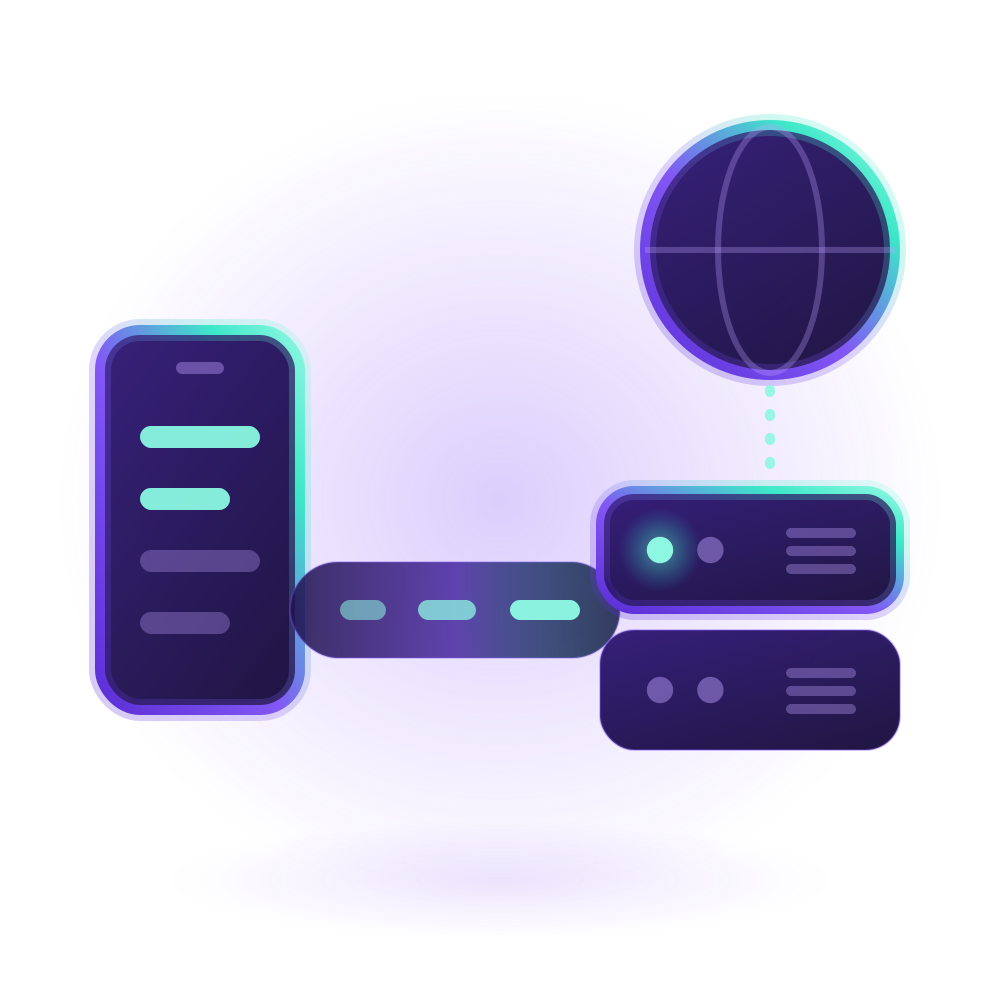
On the device
The app captures the device's traffic through the virtual network adapter that the system gives VPN apps. It carries three kinds of traffic: TCP, UDP and ping. Any other kind of packet is dropped.
Split tunneling is decided on the device too. Traffic a user leaves out, by app, country, domain or address, goes straight to the internet and never reaches your server. Split tunneling explains the choices.
The app also sets the device's DNS: to the DNS servers the user chose in the app, or else to your server's, which are Google's public ones by default. Lookups stay inside the tunnel, even when split tunneling sends the site they are for around it.
The tunnel
By default the app connects to your server's TCP port, 443 unless you change it, over TLS, the encryption HTTPS uses, and talks to it the way web apps do, in WebSocket messages. Everything in the tunnel is encrypted by TLS, from its first byte to its last.
Before it sends anything, the app checks your server's certificate. It accepts a certificate that a certificate authority signed for the name in the access key, or else only the exact certificate whose fingerprint the key carries. That is why a server can start with a self-signed certificate, and why keys survive the renewal of a trusted certificate.
In the app's protocol setting, a user can choose UDP or QUIC instead of TCP. UDP sends the device's packets to your server's UDP port in datagrams encrypted with AES-GCM. QUIC carries the same messages as TCP, over QUIC, which brings its own TLS. Your server tells each app which of them it offers, and an app uses TCP when its choice is not offered, as behind a reverse proxy. If a network blocks the UDP port, though, an app set to UDP gets no traffic through until the user switches it back to TCP.
A request to your server that does not come from a VpnHood app gets only an HTTP error back, as from a website that needs a sign-in.
TCP: as packets, or one request per connection
By default the app sends TCP as packets through the tunnel, and your server sends them on through its own network adapter, as a router does. This is the fastest way, and the lightest on the battery.
In Cloak Mode, the app ends each connection on the device instead, and asks your server, in a request of its own, to open it. Your server connects to the website itself and passes the data both ways. To a network, the traffic no longer looks like one long tunnel but like a browser's separate requests. It costs a little speed and battery, and the app reuses each finished request's connection for the next one.
The app works this way without Cloak Mode too: when your server has no network adapter of its own, as in Docker, and while a user splits traffic by domain.
UDP and ping
UDP travels as packets through the tunnel, whichever protocol the app uses. So does ping, and nothing else of its kind: the app carries echo requests and drops other ICMP packets. Your server sends both on through its network adapter, or, when it has none, through sockets of its own, pinging for the device.
On the server
Installed on Linux, VpnHood! SERVER has its own network adapter and passes packets on to the internet with NAT, as a router does. A Docker container has no such adapter, so there the server works as a proxy: apps send TCP one request per connection, and the server opens each connection, UDP socket and ping itself. Apps switch to this by themselves.
Either way, it does not pass traffic to its own addresses, or to the local networks it sits on.
It needs its TCP port open, and the UDP port it picks at its first start for the apps set to UDP. QUIC is off until you turn it on. Set your server's IP addresses says how to find the UDP port.
A managed server reaches VpnHood! MANAGER over HTTPS, at access.vpnhood.com, to check each key when an app connects and to report what each one uses. MANAGER never connects to the server, and apps never talk to MANAGER. MANAGER can also send an app on to another server in the farm. A standalone server checks keys against its own files.
What an access key holds
An access key holds what the app needs to find and trust your server: its domain name and addresses, its port, its certificate's name or fingerprint, and the key's own secret. It is encoded, not encrypted: anyone who has a key can read your server's addresses in it, and connect with it. Give keys only to your users, and read Keep your server's IP address from being blocked for what a network can do with an address it learns.


