
Feature
Split tunneling
Decide what goes through the VPN and what connects directly: by country, by domain, by app, by IP address, or by local network.
Available on Android, iOS, Windows and Linux. Splitting by app is available on Android only.
Get VpnHood! CONNECT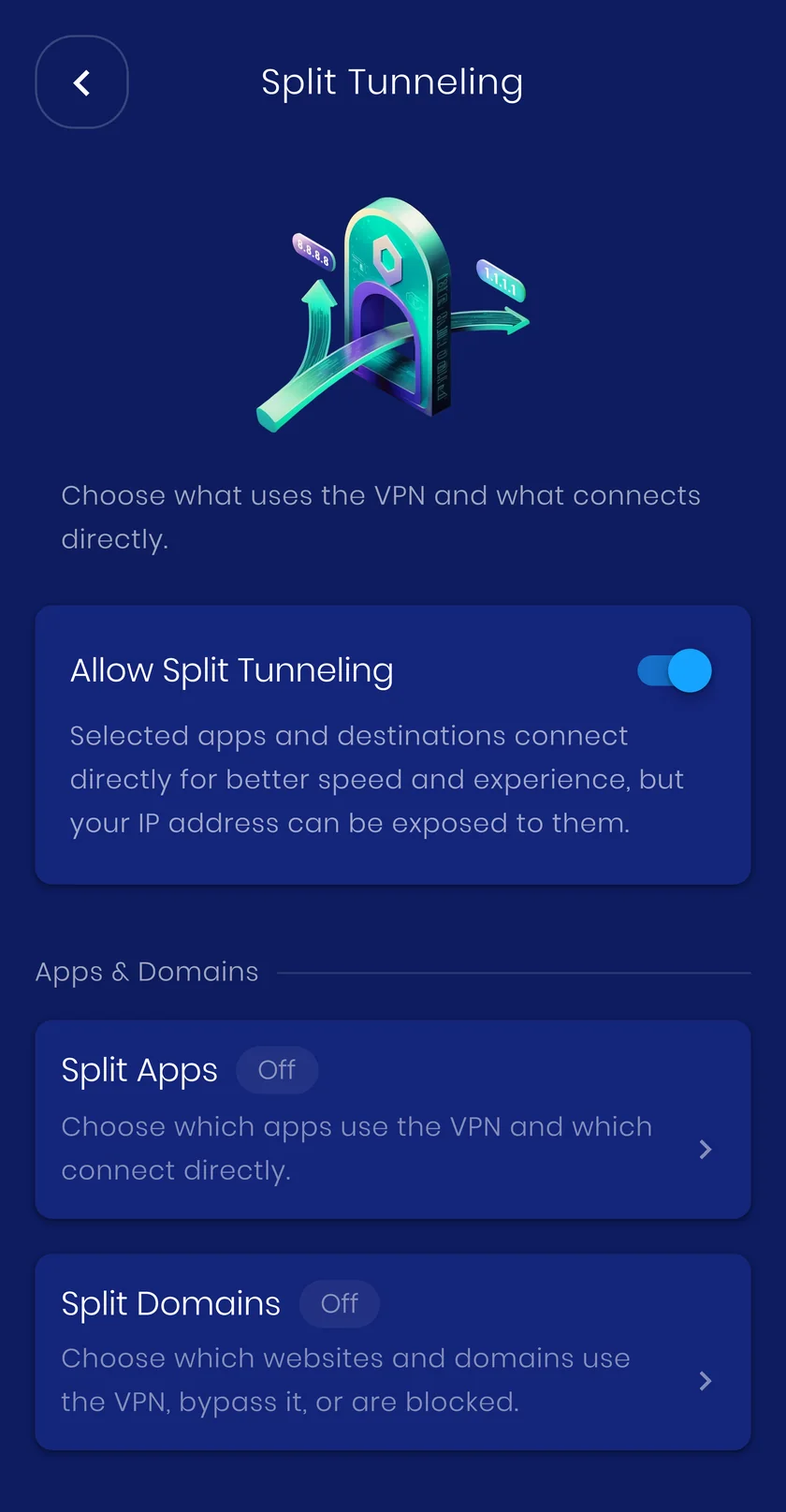
What you can split
Each option has its own screen in the app and its own page here.
-
-
By country
Route traffic through or around the VPN based on the country it is going to.
All platforms -
-
By IP address
Decide which IP addresses use the VPN, on the device or inside the app, and what happens to IPv6.
All platforms -
Local network
Keep printers, TVs and other devices on your local network reachable while the VPN is on.
All platforms -
Split DNS
Decide whether DNS lookups follow your split rules or always stay inside the VPN.
All platforms
How it works
Not everything benefits from a tunnel. Split tunneling routes chosen traffic outside the VPN, so a banking app keeps working, a local printer stays reachable, and bandwidth is not spent on traffic that never needed protecting. New to the idea? Start with the guide.
When to turn it on
Use it when an app refuses to work over a VPN, when you want local devices like a TV or printer reachable, or when only some destinations need to be tunnelled.
What it costs you
Traffic you exclude is not protected by the VPN. That is the whole point, but it is worth being deliberate about what you leave outside.


