
Split tunneling
Split tunneling by IP address
Decide which IP addresses use the VPN, on the device or inside the app, and what happens to IPv6.
Available on Android, iOS, Windows and Linux
Get VpnHood! CONNECT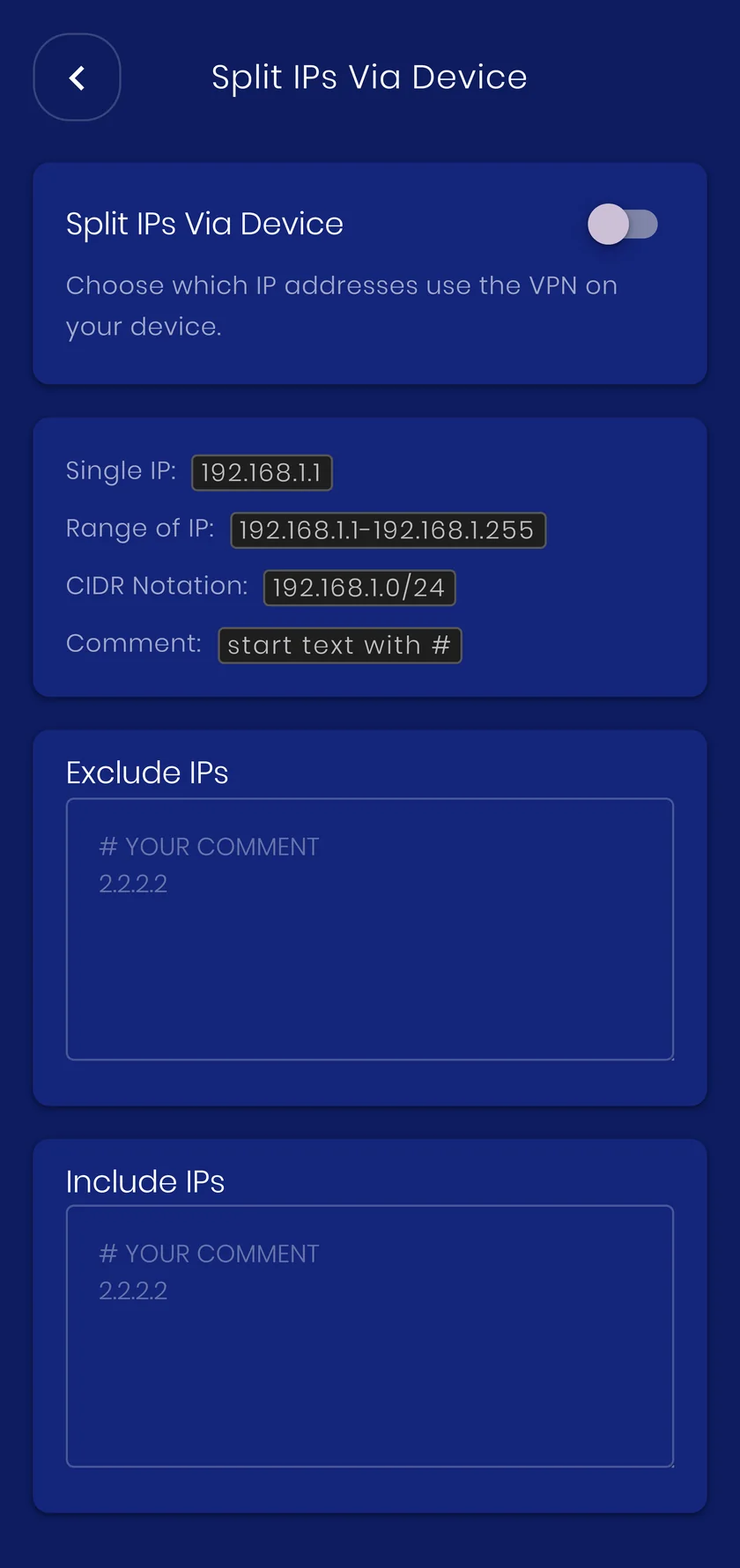
Via device or via app
Via device
The excluded ranges are simply not routed into the tunnel, so that traffic never reaches VpnHood! at all. It runs at full speed, and it keeps working even if the app stops responding. Each range becomes a system route, though, so this list has to stay short.
Via app
The app checks every packet against your lists, so they can be long, and they can block addresses outright as well as send them around the VPN. The traffic reaches VpnHood! first, so this is the flexible option rather than the featherweight one.
Rule of thumb: a handful of ranges you never want touched go via device; long lists, and anything you want blocked, go via app.
How it works
Two ways to split by address, and the difference is where the rule is enforced: the operating system, or VpnHood! itself. Split IPv6 is separate, and decides what happens to IPv6 traffic when the server has no public IPv6 address.
When to use it
Network ranges rather than names: a corporate subnet, a NAS at home, a service that only publishes addresses.
What it costs you
Address lists are easy to get subtly wrong, and an excluded range is unprotected. Prefer domain or country rules when they can express the same thing.


