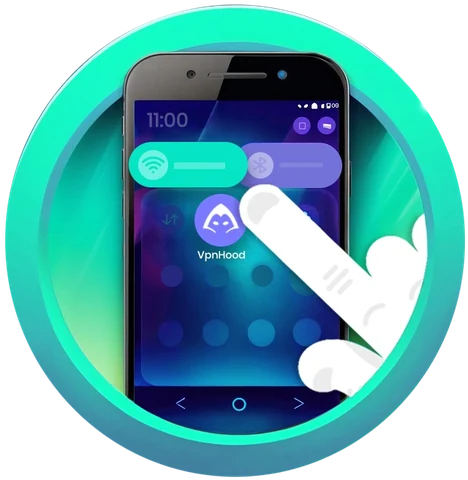
Features
Every VpnHood! feature, explained
What each control does, when you would want it, and which platforms have it.
Get VpnHood! CONNECT
Getting through firewalls
-

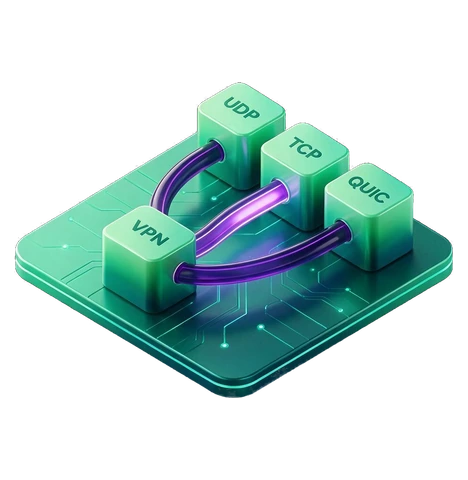
Cloak Mode
Disguises VPN traffic as ordinary web traffic, so a filter has nothing familiar to match.
All platforms -
-
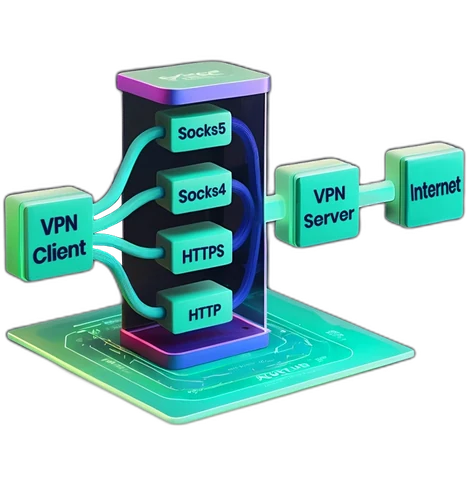
Smart Proxies
Paste a proxy list and the app tests it, rates every proxy, rotates the best ones and keeps the list fresh.
All platforms
Controlling your traffic
-

Split tunneling
Choose what goes through the VPN: by country, domain, app, IP address or local network.
By app: Android only -
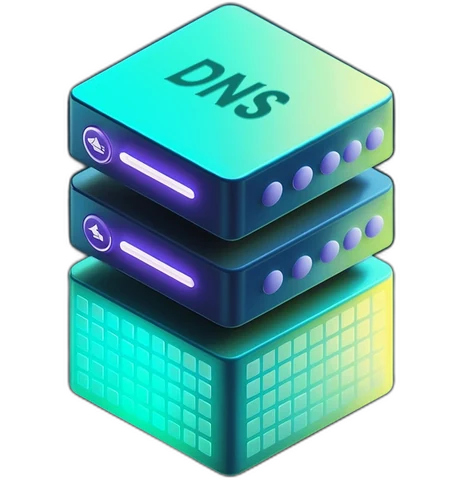
Private DNS
Keeps Android Private DNS working inside the tunnel, and lets you pick the DNS servers the tunnel uses.
Android; Adapter DNS everywhere
Staying protected
-
Kill Switch
Blocks the internet connection if the VPN drops, so nothing leaks in the gap.
Android only -

Always On
Keeps the device connected to the VPN, even after restarts and network changes.
Android only