
Feature
Kill Switch
Automatically blocks the internet connection if the VPN disconnects.
Available on Android only. It relies on an Android system setting that the other platforms do not expose.
Get VpnHood! CONNECT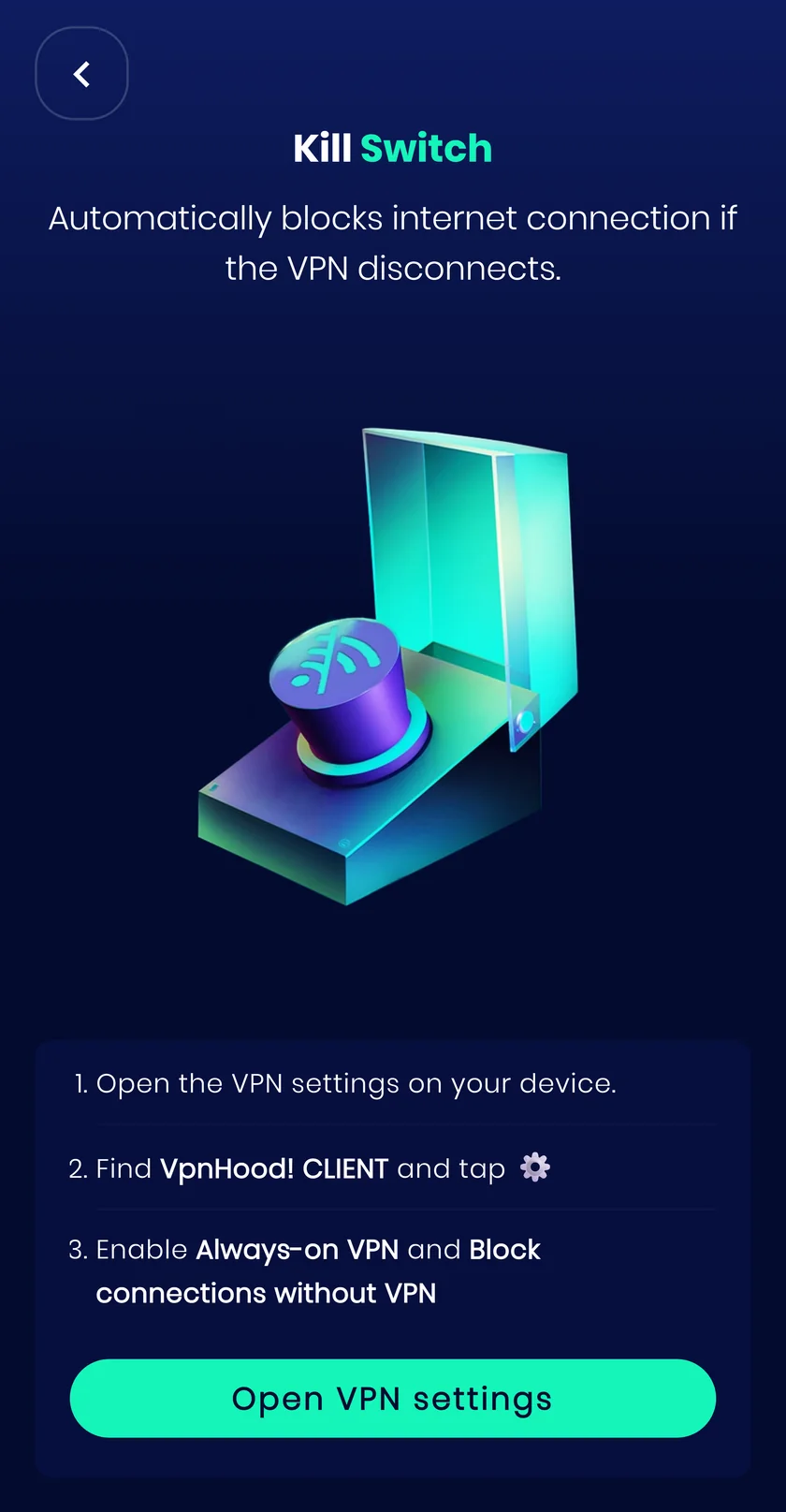
It needs Always On
Android puts the kill switch underneath the always-on VPN setting, so the two are turned on together and work as a pair. Always On brings the tunnel back after a reboot or a change of network; the kill switch holds your traffic until it is actually back. Without it, apps can send a few requests in the seconds before the VPN is up.
About Always OnHow it works
If the tunnel drops, a device would normally fall back to the ordinary connection without telling you. The kill switch blocks traffic instead, so nothing leaves the device unprotected in the gap. In Android settings it is called Block connections without VPN.
When to turn it on
Leave it on whenever an accidental unprotected moment matters more to you than staying online.
What it costs you
When the VPN drops you lose connectivity until it is back. Wi-Fi sign-in pages may not load either, so a hotel or airport network can need the switch off for a minute.


