
Feature
Always On
Keeps the device connected to the VPN at all times, even after restarts or network changes.
Available on Android only. It relies on the Android always-on VPN setting, which the other platforms do not offer.
Get VpnHood! CONNECT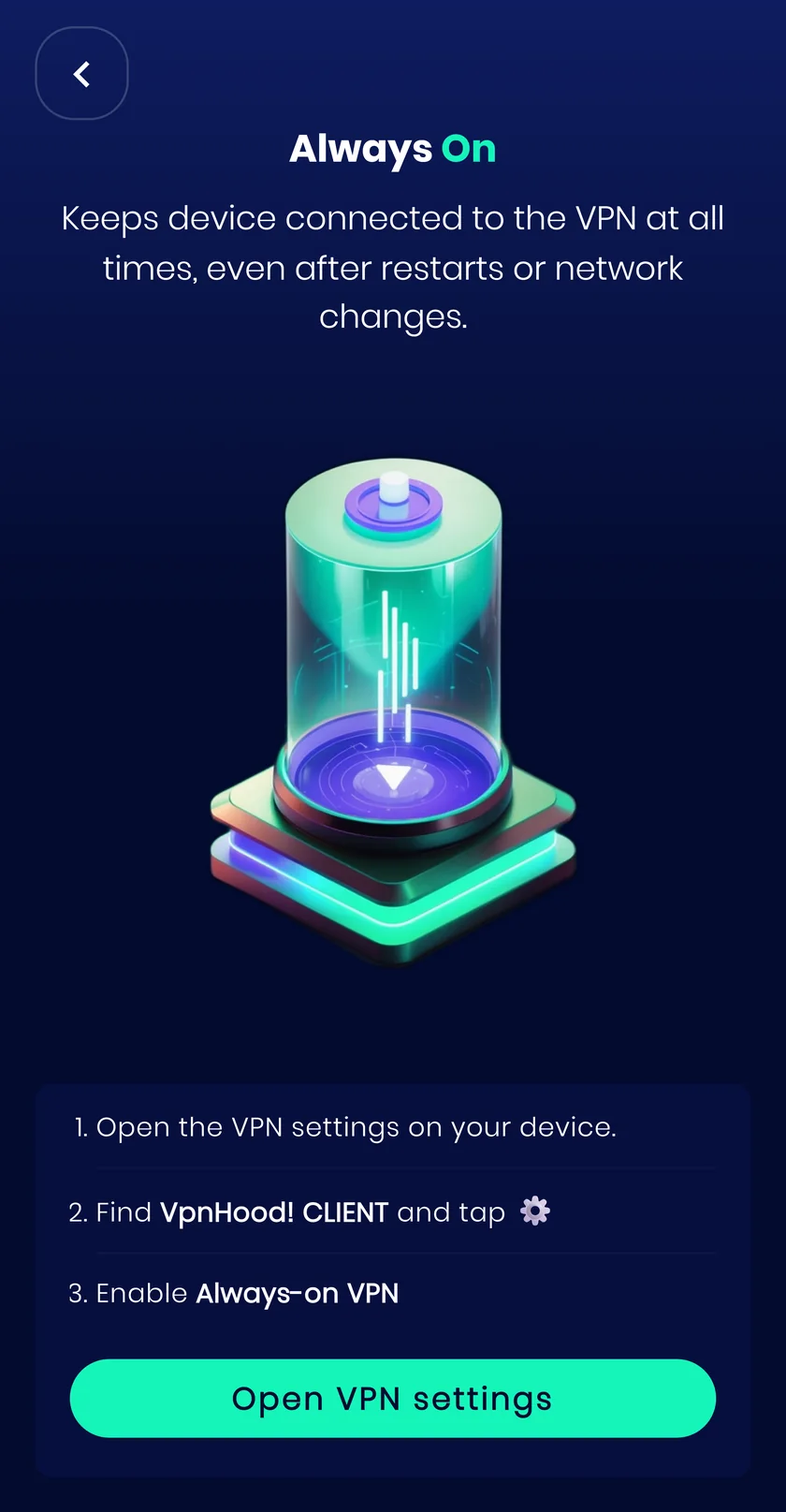
Pair it with the kill switch
Always On gets the tunnel back up, but reconnecting takes a moment, and apps do not wait. The kill switch closes that gap by blocking traffic until the VPN is connected. Android keeps it under the same setting, so switching both on takes one extra tap.
About the kill switchHow it works
Instead of reconnecting by hand after every reboot or Wi-Fi switch, the system brings the VPN back up on its own.
When to turn it on
For a device that should never be online unprotected, and for anyone tired of reconnecting by hand after every reboot.
What it costs you
The VPN runs whenever the device is on, which uses a little more battery than connecting only when you need it.


