
Split tunneling
Split local network
Keep printers, TVs and other devices on your local network reachable while the VPN is on.
Available on Android, iOS, Windows and Linux
Get VpnHood! CONNECT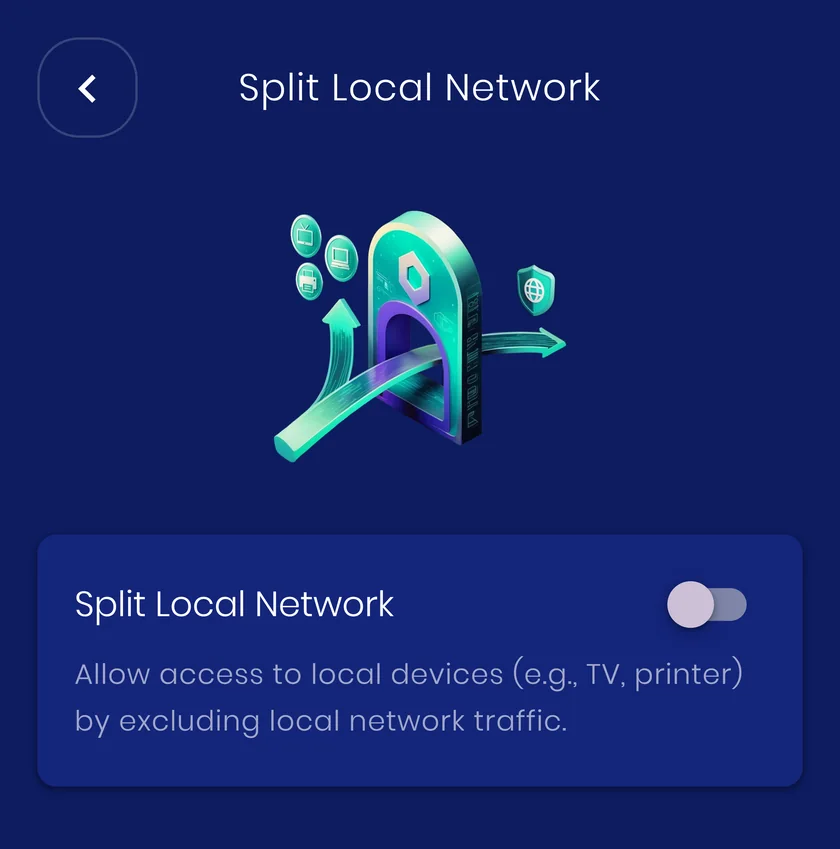
How it works
Traffic to local addresses is sent directly instead of into the tunnel, so the devices around you stay visible without turning the VPN off.
When to use it
Casting to a TV, printing, a NAS, a smart home hub, anything that lives on the same Wi-Fi as you.
What it costs you
Local traffic is exposed to the local network, which is exactly how it was before the VPN. On public Wi-Fi you may prefer to leave this off.


