
Feature
On your TV
Runs on Apple TV and Android TV, with a screen made for the remote. Your phone does the typing.
- Apple TV tvOS 17.0 and later
- Android TV Android 7.0 and later
Android TV is coming soon
VpnHood! CONNECT for Android TV is on its way to Google Play.
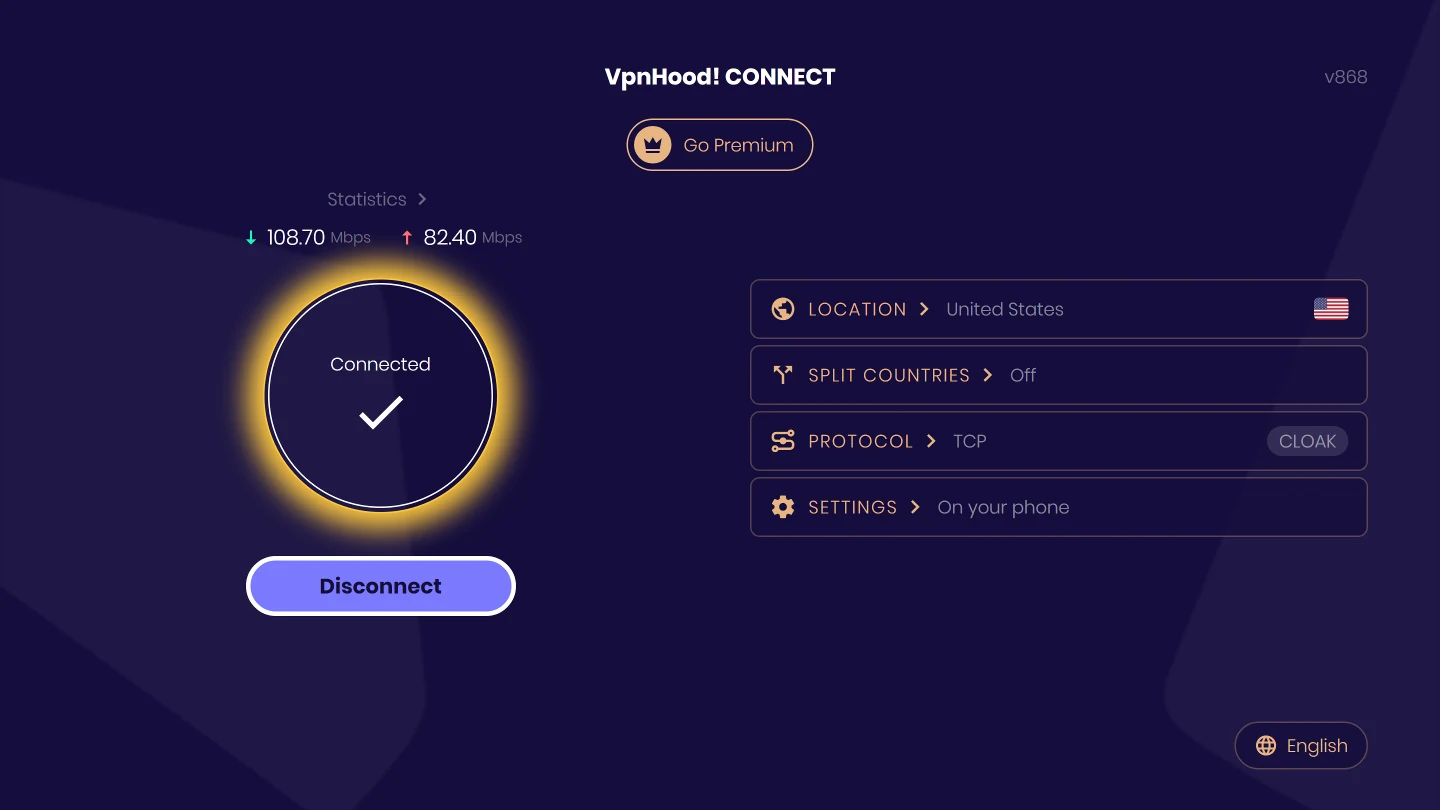
Your phone is the remote
A remote is good for pressing Connect, not for typing. So the TV shows only what a remote can do: connect, the location, the countries to keep out of the VPN and the protocol. Anything that needs typing, such as signing in or changing a setting, opens Remote Access on the TV. Scan its code, and your phone's browser opens the app's own pages; every change you make there lands on the TV at once.
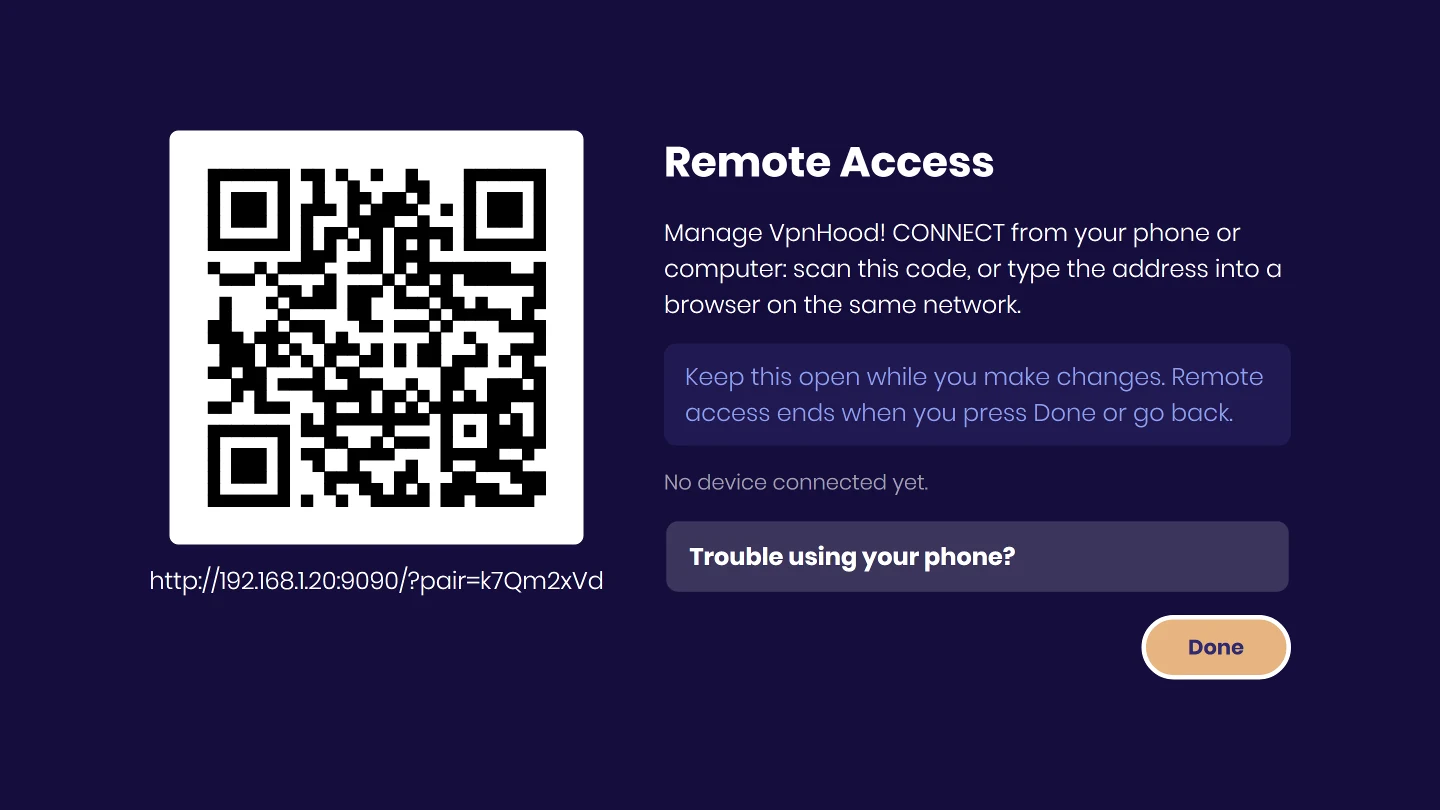
How it works
Remote Access works inside your own network, only while its screen is open on the TV, and only for a device that scanned its code. Nothing is installed on the phone: any browser will do, and so will a computer.
When to use it
When you want the TV's own apps to go through the VPN. A VPN on your phone does not cover the TV, even on the same Wi-Fi.
What it costs you
The phone must be on the same network as the TV while you make changes, and the link between them is not encrypted, so make them on a network you trust.
Get started
- Install the app from the App Store on an Apple TV.
- Press Connect with the remote.
- To sign in or change a setting, follow the TV: it shows a code to scan with your phone.
Using VpnHood! CLIENT? It connects with an access key, which you add from your phone: see how.
Troubleshooting
 If your phone can't open the page
Try these in order, and scan the code again after each one. The TV shows the same list under Trouble using your phone?
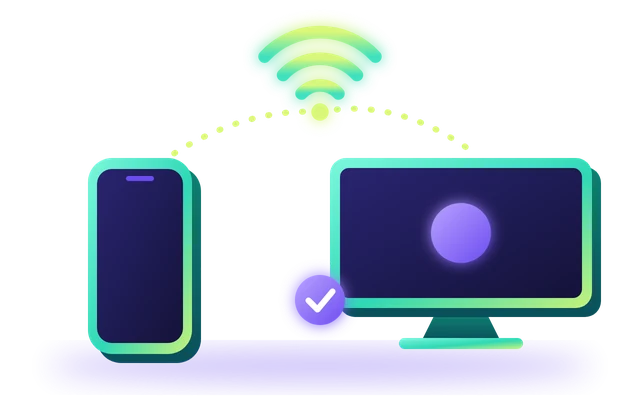
Use the same network
Put your phone on the same Wi-Fi or router as the TV. Mobile data and guest networks can't reach it.
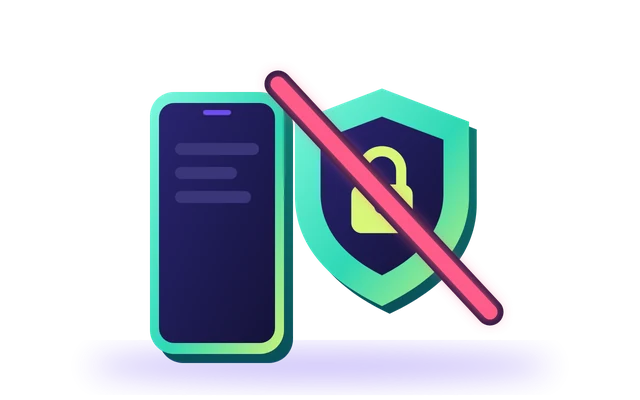
Turn off the VPN on your phone
A VPN on your phone can keep it from reaching the TV. Turn it off while you use the page.
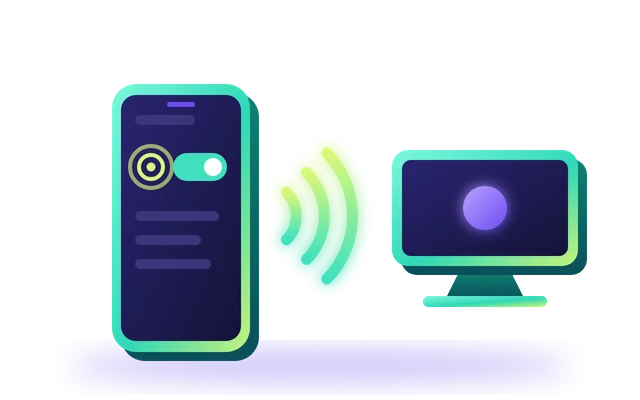
On an Android phone, allow Nearby devices
In your phone's Settings, open Apps, choose your browser, open Permissions and allow Nearby devices.
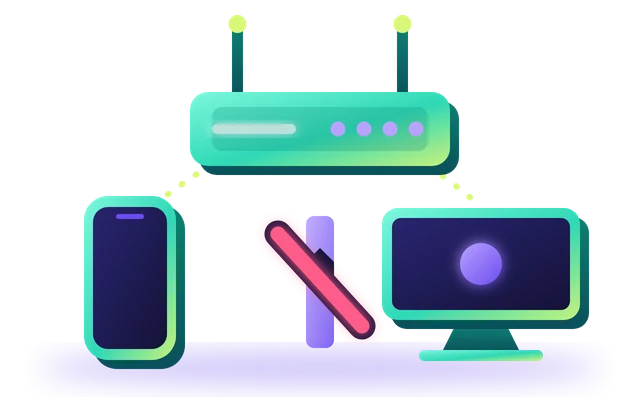
Check your router
Some routers keep devices apart. In your router's settings, turn off AP isolation, also called client isolation.
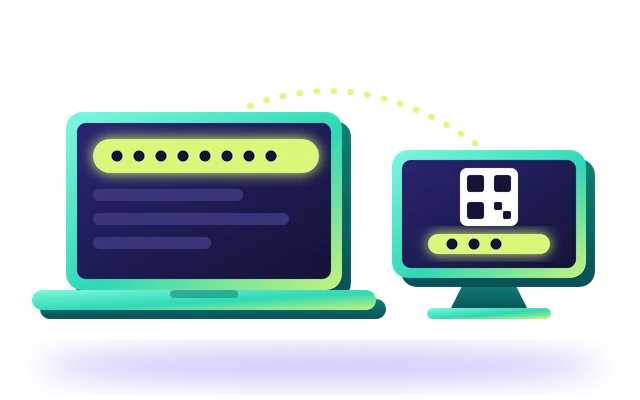
If the page is slow, use a computer instead
On a computer on the same network, type the full address shown under the code into a browser.
 If the page stops answering
The TV has left the Remote Access screen. Open Settings on the TV to show it again, and keep your phone on the TV's network. The page carries on by itself once it reaches the TV; if it does not, scan the code again.


