
Guide
What can a VPN see, and what does it keep?
A VPN hides your traffic from the network you are on, but the VPN server now stands where your internet provider stood. Here is what any VPN server can see, what VpnHood! CONNECT keeps, what someone who runs a VpnHood! server can and cannot do, and how to check it all in our open code.
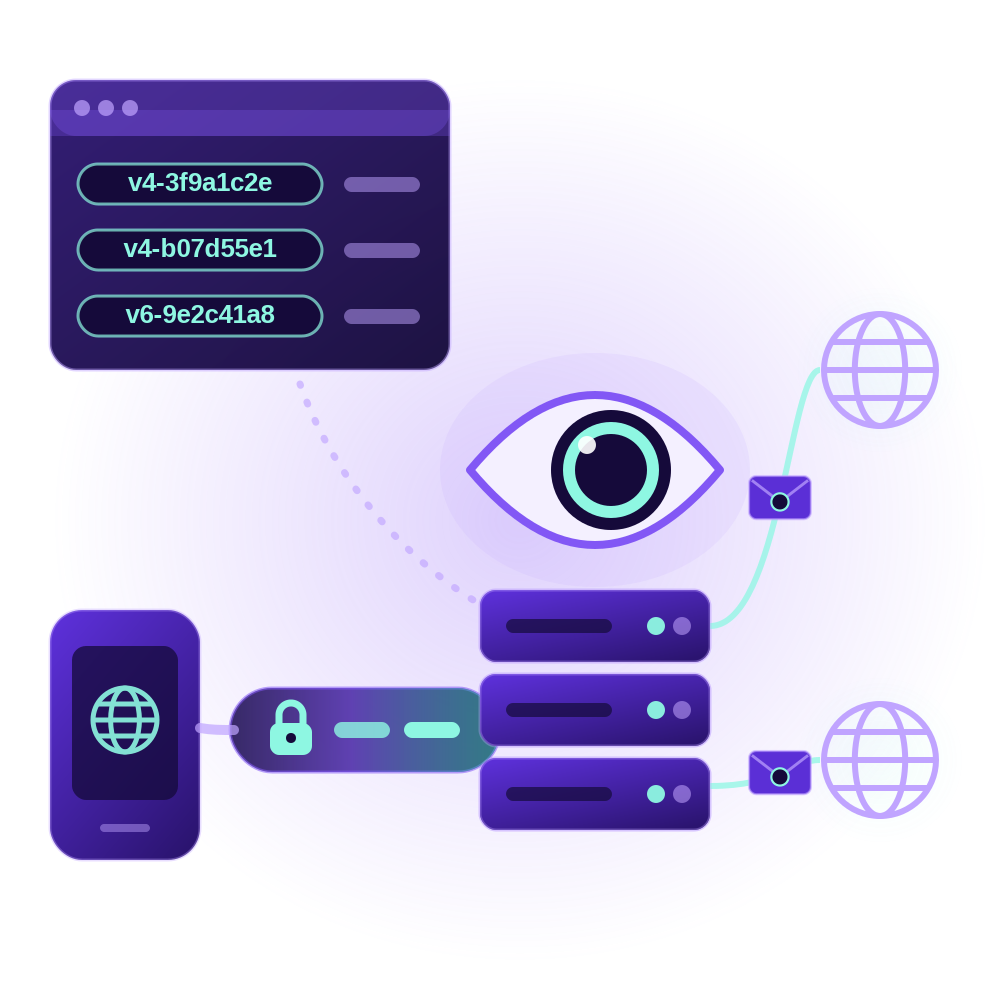
What any VPN server can see
A VPN server passes your traffic on to the internet, so it sees what your internet provider would see without a VPN. How much that is depends on the site.
-
With HTTPS: where you go, not what you do
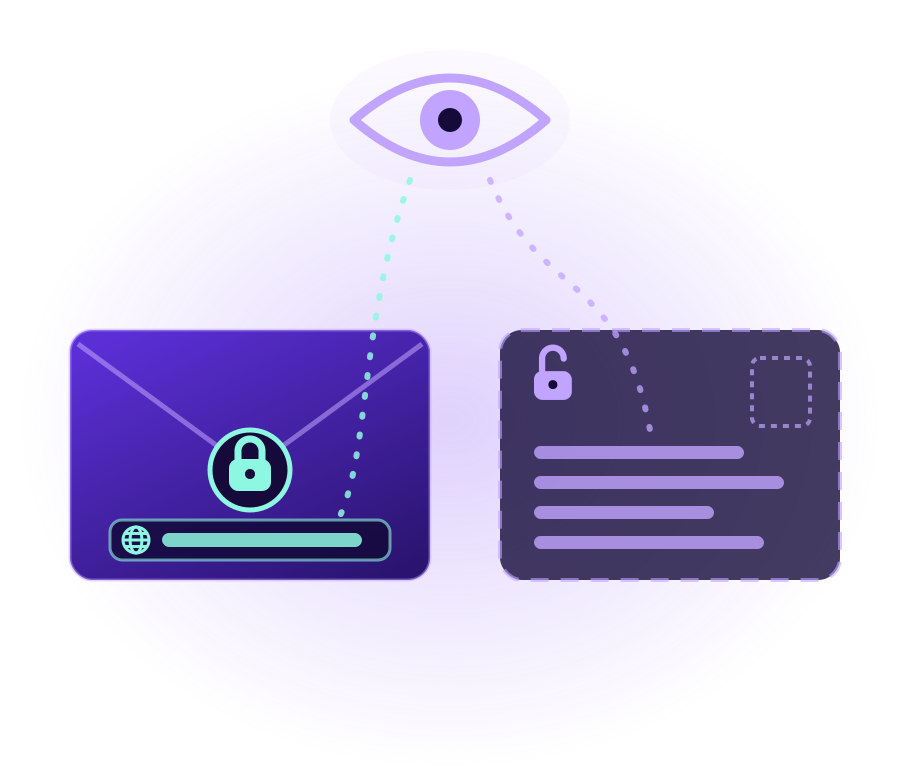
Almost every site uses HTTPS today. It seals the pages, what you type and what you watch, so the server sees which site you visit but cannot read or change what you do there.
-
Without HTTPS: everything
On a site without HTTPS, which your browser marks as not secure, the server could read and change everything.
-
Its hosting company sees the same
The company that rents out the machine can see that traffic too, but as traffic from the server's address, not from yours. That hides you only on a busy server: see why.
Hide the site names too
Turn on secure DNS in your browser: Use secure DNS in Chrome and Edge, DNS over HTTPS in Firefox. The server then cannot read the names your browser looks up, and on sites that support it, your browser hides the site's name in the connection too. It still sees the address each connection goes to.
What VpnHood! CONNECT keeps
We run VpnHood! CONNECT's servers, and our privacy policy lists everything they keep. In short:
-
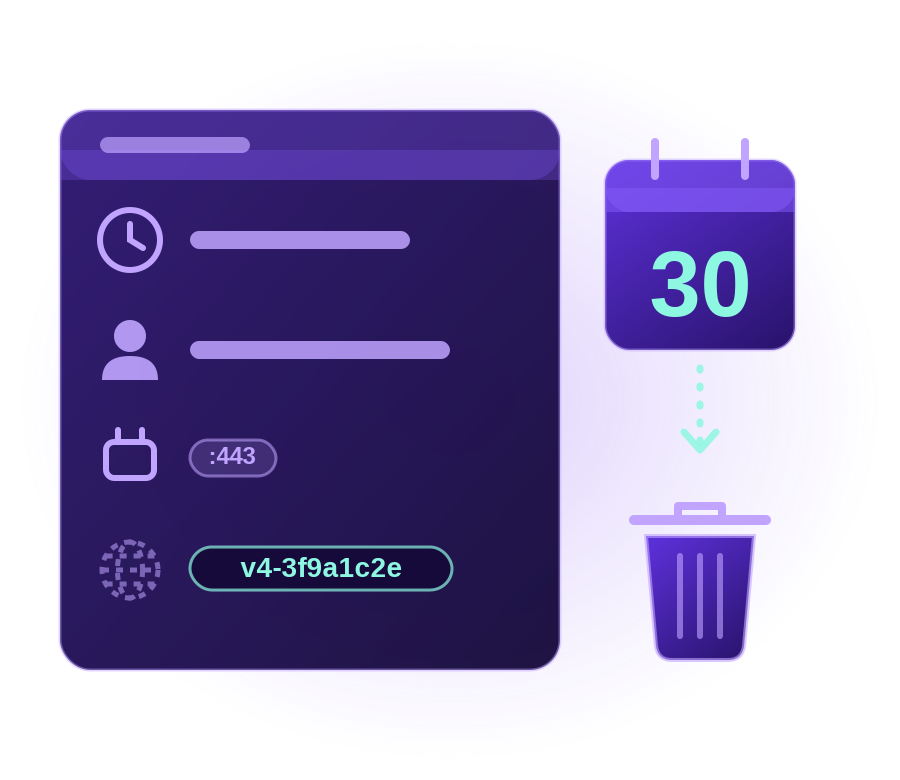
For 30 days: when, and from where
Each connection's time, your IP address and port, and the port it goes to. We keep these log files to answer abuse reports, as free use has no account to suspend, and delete them after 30 days unless a legal request or claim needs them kept. They are never backed up.
-
Never: where you go
Our servers never look into your traffic for the sites you visit. In place of where each connection goes, the record holds a code that cannot be turned back into it.
-
Only if you allow it: usage data
How you use the app and whether your connections work, never the sites you visit. Turn it off under Settings → Privacy → Share anonymous usage data. The iOS app sends none.
What someone who runs a VpnHood! server can do
With VpnHood! CLIENT, you connect to a server that someone runs: a friend, your company, or you. Here is what our server software does as it comes, and what its owner can change.
-
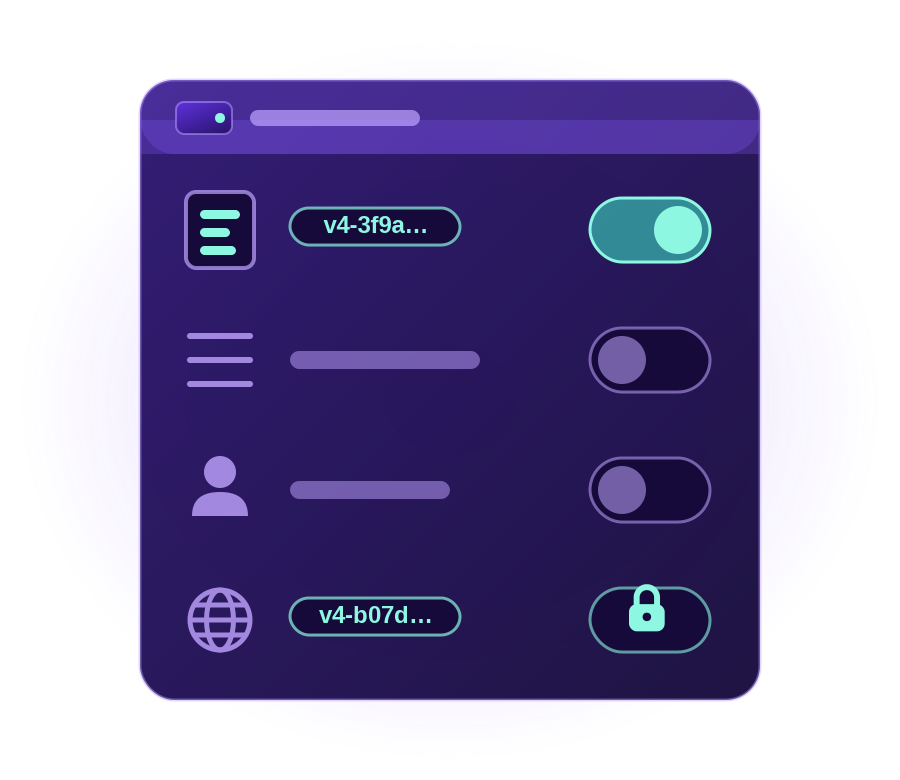
Its log writes codes
As it comes, the server's log writes a code in place of every internet address, yours and the sites'. Whoever runs it can turn that off while finding a fault, and then the log shows them.
-
Connection records start switched off
The server keeps no record of your connections unless its owner turns that on, to deal with abuse. Then it can keep your IP address, but where each connection went only ever as a code.
-
MANAGER sees no sites
If the server runs with VpnHood! MANAGER, its owner sees each device's country and how much it used, never the sites.
-
Beyond the software
Whoever controls the machine can still watch its traffic with other tools, or run a changed copy of the server. No software can prevent that, so use a server run by someone you trust, or run your own.
Your own server, and the company that hosts it
Running your own server means no stranger runs your VPN, but the company that hosts the machine still sees everything the server sends out.
-
Your internet provider sees only the tunnel
Where you are, your provider sees a sealed connection to your server and nothing inside it, however few people use the server.
-
The hosting company sees the sites
What the server sends out is your traffic on its way to the sites, so the hosting company sees which sites, as with any VPN server. With HTTPS, it still cannot see what you do there.
-
With few users, the sites are theirs
On a busy server, each site is mixed with many people's, which makes it hard to tell whose it is. On a server with only a few users, the hosting company can tell by matching when traffic comes in and when it goes out. With one user, every site is theirs, and the hosting company usually knows who pays for the server.
-
What helps
Turn on secure DNS, as above, so it sees fewer of the sites' names; share the server with more people; and pick a hosting company you trust.
Check it in our code
VpnHood is open source, so you do not have to take our word for any of this.
-
The codes
Each address becomes a code made with a key that the server creates each time it starts and keeps only in its memory. Once it stops, nobody can turn a code back into an address. See the code
-
The defaults
The log's codes start switched on, in the server's settings, and every connection record starts switched off, in its record settings.
-
An independent audit
Include Security reviewed the apps and the server for the Open Technology Fund's Red Team Lab. Read about the audit


