
Guide
How does Google know my location when I use a VPN?
You connect to a server in another country, yet Google still shows results, maps or ads for where you really are. Your VPN is not leaking: Google finds you in other ways, and on a shared server it can even learn your country from the other people using it. Here is where its guess comes from, how to see which source it used, and what you can do about each.
Where Google gets your location
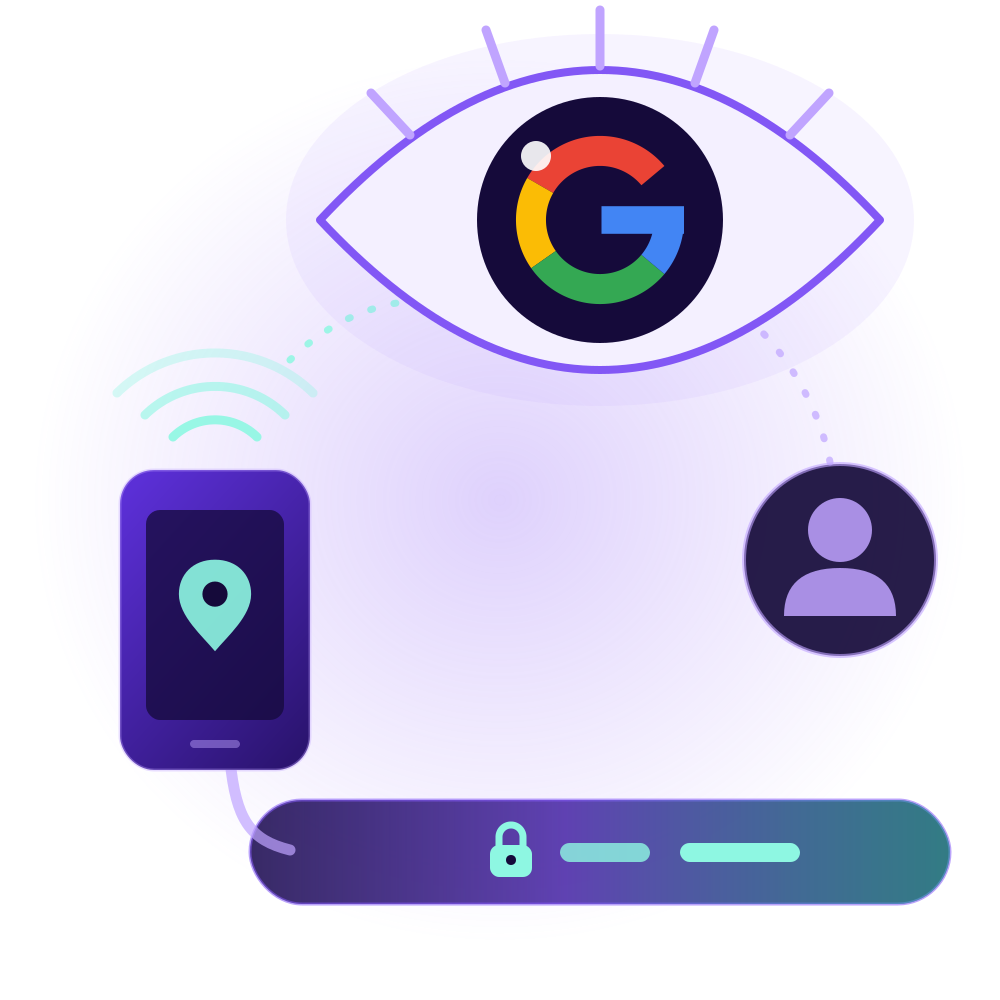
Google's own help names four sources. A VPN changes only the last one.
-
Your device
If you let Google's apps or google.com use your location, your phone or computer tells Google exactly where it is, from GPS or the Wi-Fi networks around it. The VPN carries that report but cannot change what it says, and Google can keep reusing it for up to six hours.
-
Your home and work
The home and work addresses saved in your Google Account. When Google thinks you are at one of them, it uses that address.
-
Your past activity
Your earlier searches and other activity on Google can carry the area you were in, and Google may use it to place you now.
-
Your internet address
The address your connection comes from. On a VPN, it is the VPN server's address, so this is the one source the VPN changes.
See which one Google used
At the bottom of a Google search results page, Google shows the place it used and where it came from, such as From your device or From your internet address. If it says your internet address but names your own country, the server's address itself has been placed there: read on.
When the server's own address points home
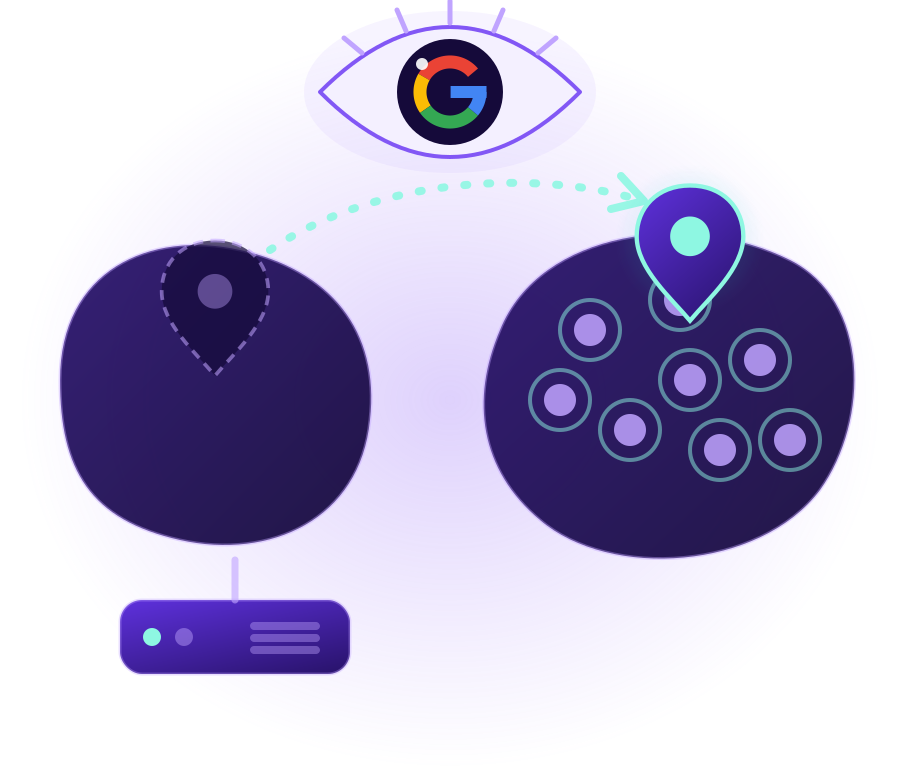
Google keeps its own map of internet addresses and places, and VPN providers report that it fills the map from the location of the devices behind each address. On a shared server, those are the other users' devices too.
-
Many users, one country
When most of a server's users share their location with Google from one country, Google can move the server's address to that country.
-
Then it places everyone there
From then on, every Google service places that server there, even for people who share nothing at all with Google.
-
It is not a leak
Other websites still see the server's own country. Only its place on Google's map has changed.
Stop giving Google your own location
These keep your own device and account from placing you, on any server. They cannot undo a move that other people on a shared server caused.
-
Deny Google your device's location
On a phone, deny location to your browser, the Google app and Google Maps in the phone's location settings. On a computer, block location for google.com in the browser's site settings.
-
Clear the location Google remembers
Google keeps your device's last location in a cookie for up to six hours. Clear google.com's cookies, or search in a private window, after you deny it your location.
-
Keep your account out of it
Signed in, Google can use your home and work addresses and your past activity. Search signed out in a private window, or pause Web & App Activity in your Google Account. Signed out, turning off Search customization keeps Google from using your earlier searches.
When Google has moved the server
If Google still names your own country from your internet address after the steps above, the server's address has been moved, and nothing on your device changes that.
-
Try another server
Google places each server's address on its own, so another server may still be placed where it really is. A busy server can be moved again later, as its users change.
-
Use a server of your own
On a server of your own, only your users' locations count. If they keep their location from Google, as above, its address stays where the server is.
Running your own server?
To see where Google places your server, search on Google through it in a private window, with location blocked: the bottom of the page then names the place Google gives the server's address. Google places the server's IPv4 and IPv6 addresses each on their own.
If the place is wrong, report it with Google's Report IP problems form; Google says a change can take more than a month. Or give the server a new outgoing IP: websites see only that address, and no access key contains it, so nobody needs a new key. See Use one IP to connect and another to go out.


